Weekend Designer Early preview
Simple 3D design for practical projects.
Build brackets, spacers, mounts, and more from simple shapes. Set precise dimensions, combine parts, and export your design for 3D printing.
Free to download and use. No fees. No subscription. Free forever.
01 / The workflow
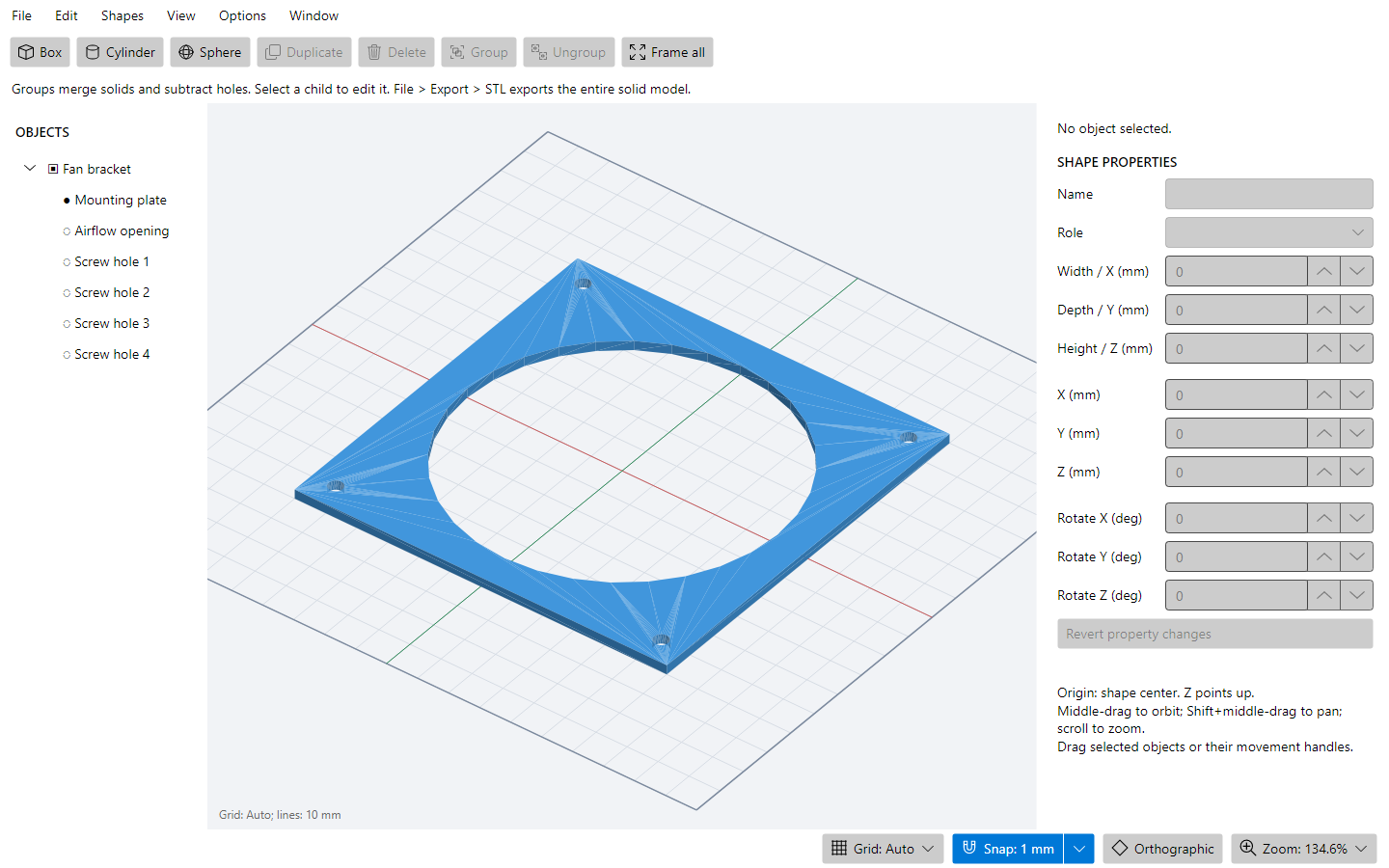
Start with simple shapes.
A box becomes the mounting plate. Cylinders define the airflow opening and screw holes. Start from a blank workspace or use a starter project.
02 / The workflow
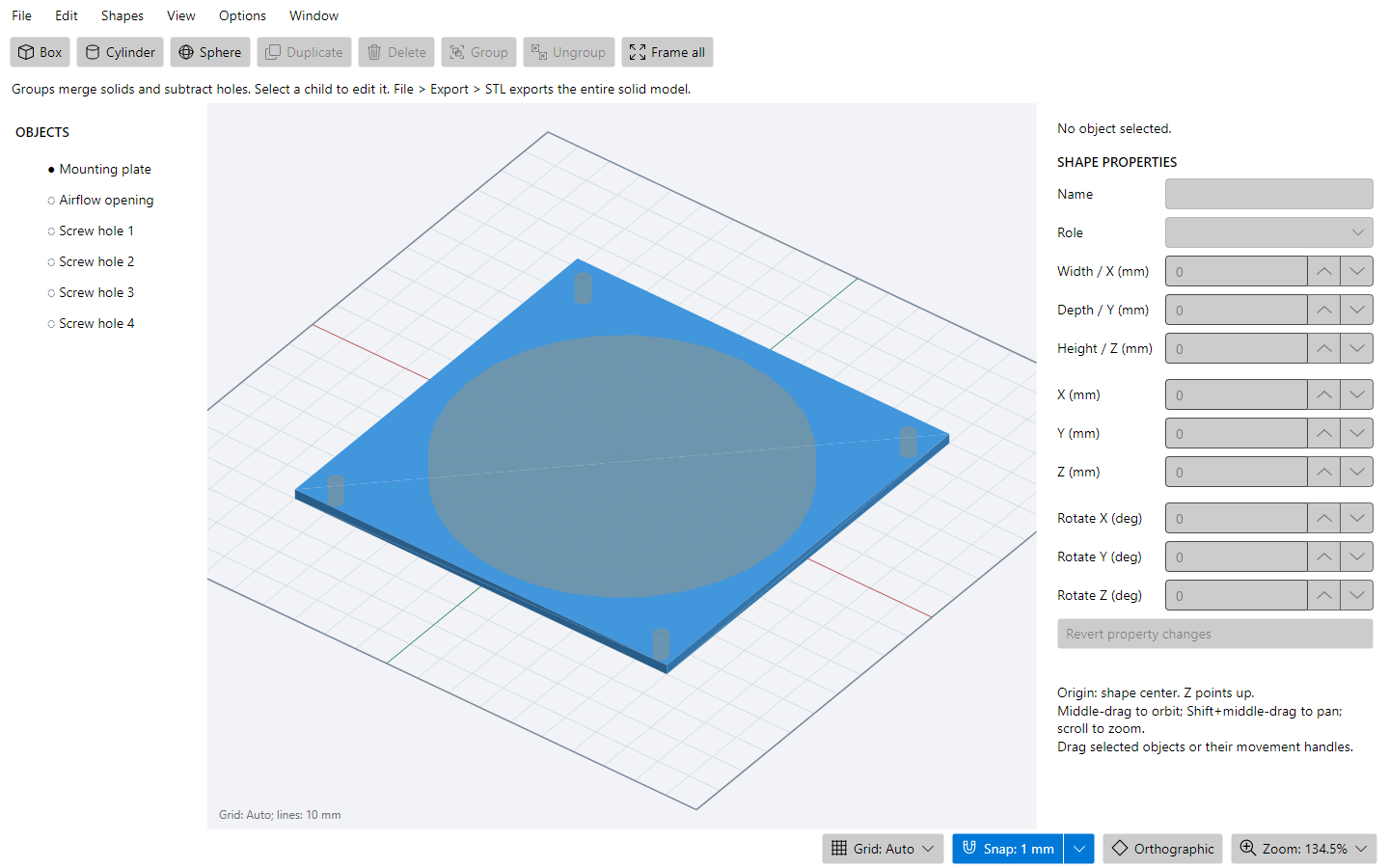
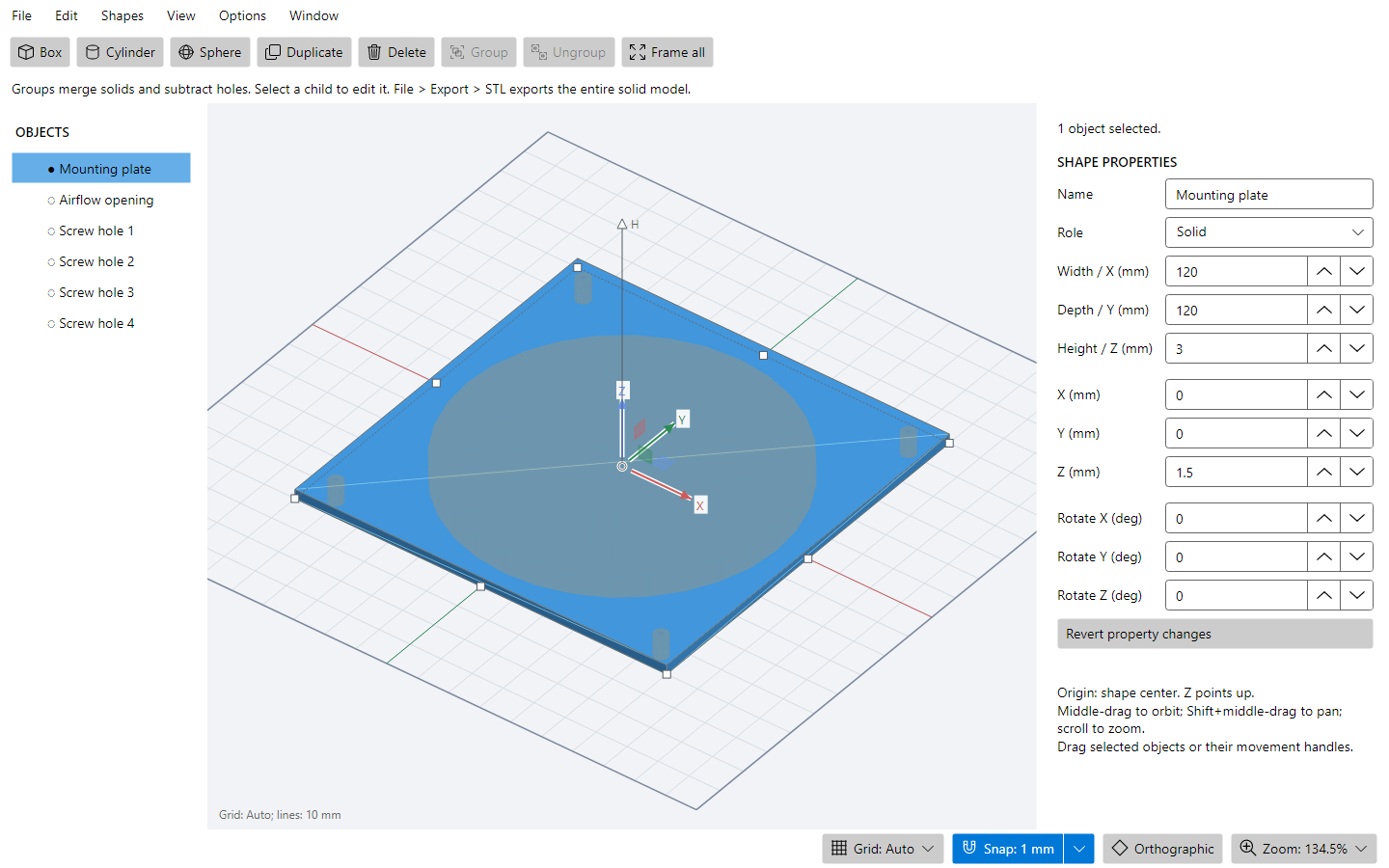
Get the dimensions right.
Enter exact dimensions in millimeters, or use the resize handles. Move and rotate parts, snap to the grid, and undo a change when you need to.
03 / The workflow
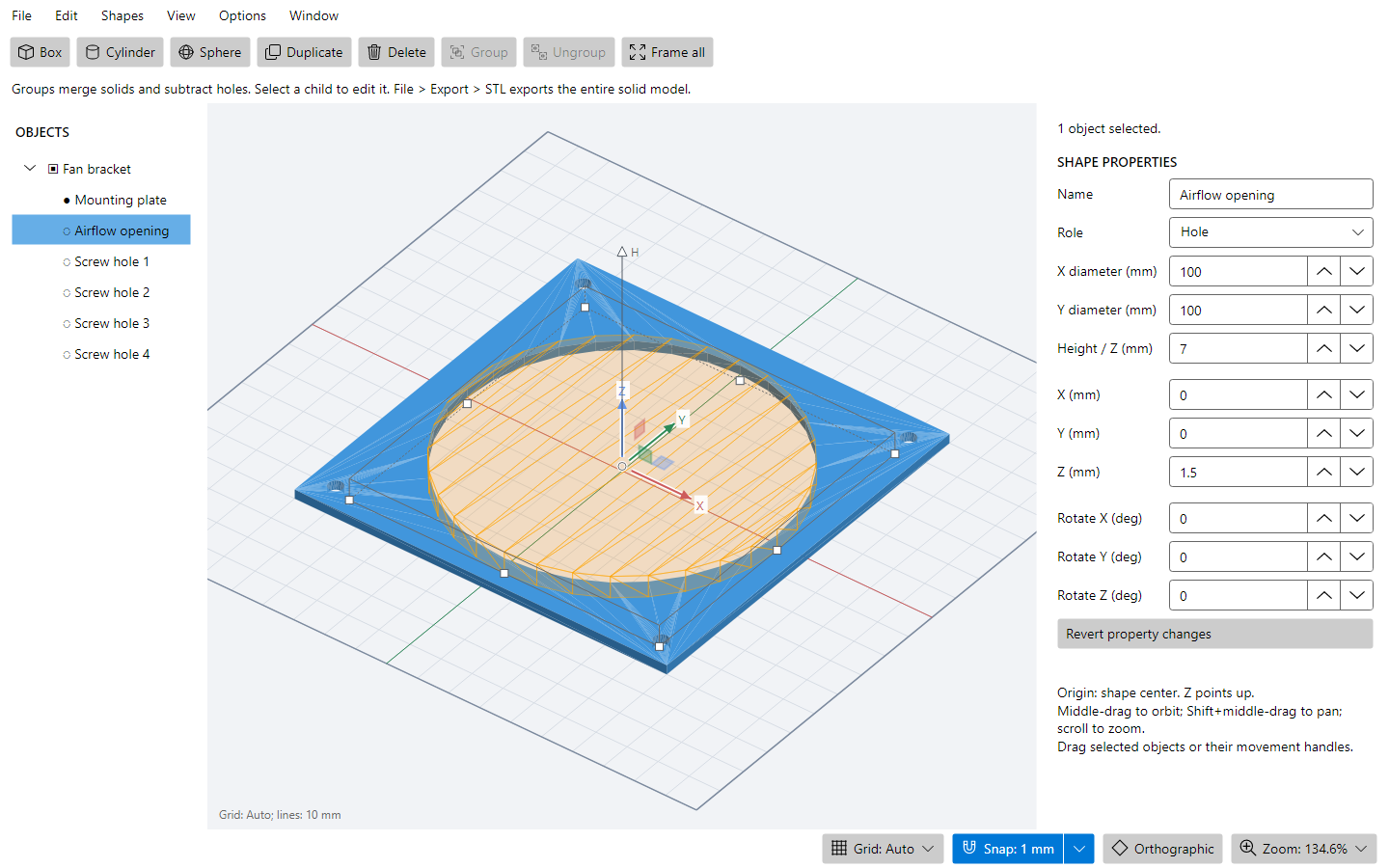
Combine parts. Make real holes.
Group solids and hole shapes to build the finished part. The original shapes stay editable in the Objects tree, so you can revisit a cut without starting over.
04 / The workflow
Take your design to the printer.
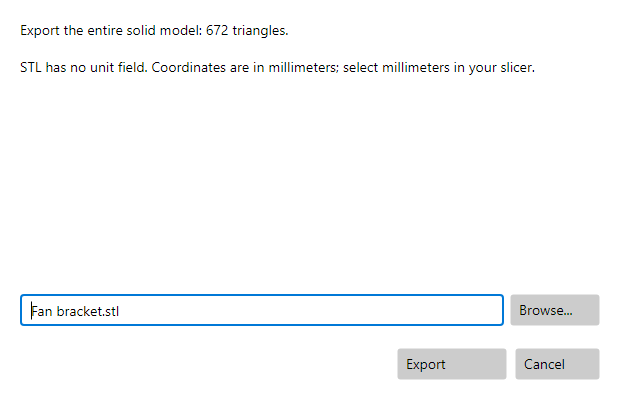
Export the evaluated model as a binary STL in millimeters. Review the mesh checks before saving, then open the STL in your slicer to check it before printing.
Preview progress
What works today. What comes next.
Checked features are implemented in the current app. Unchecked features are planned; priorities may change and no release dates are promised.
Available now
Coming next
Early preview
Try Weekend Designer.
Free to download and use. No purchase price, license fees, or subscription. Free forever.
This is an early preview, with unfinished features and rough edges. Keep copies of important projects and check exported geometry in your slicer before printing.
Public preview download coming soon.
The download will appear here when the Windows preview package is ready.
Windows x64 is the first preview target. Linux and macOS packages are planned and still need packaging and platform verification.